Working well
How to get the result you meant, with less back and forth.
Name InDesign
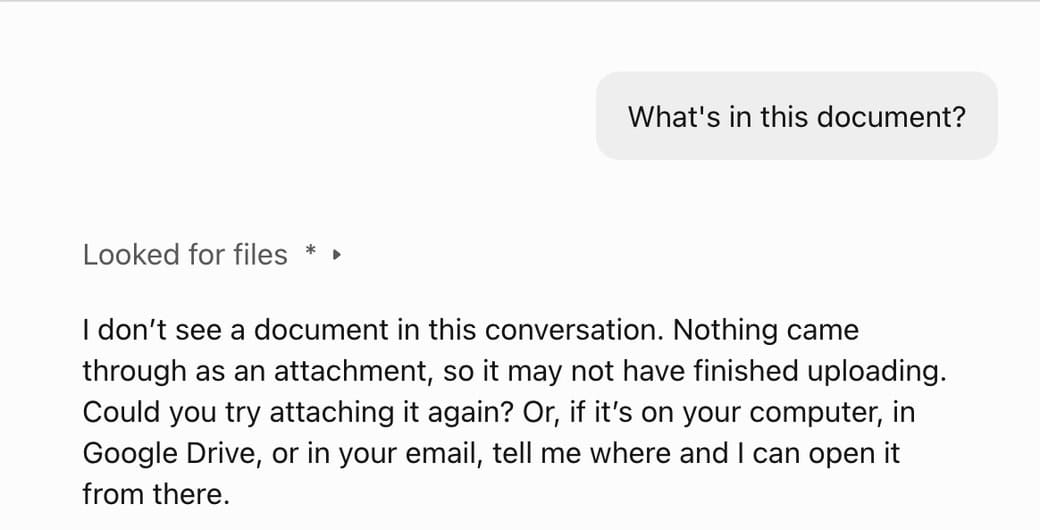
Your assistant does more than InDesign, so it looked for an attachment. Name InDesign, at least in your first message:
What’s in the document I have open in InDesign?
Describe the result you want
Make page 4 look better.
On page 4, stack the two photos on the margins at the full width of the type area, each caption directly under its photo. Then show me page 4.
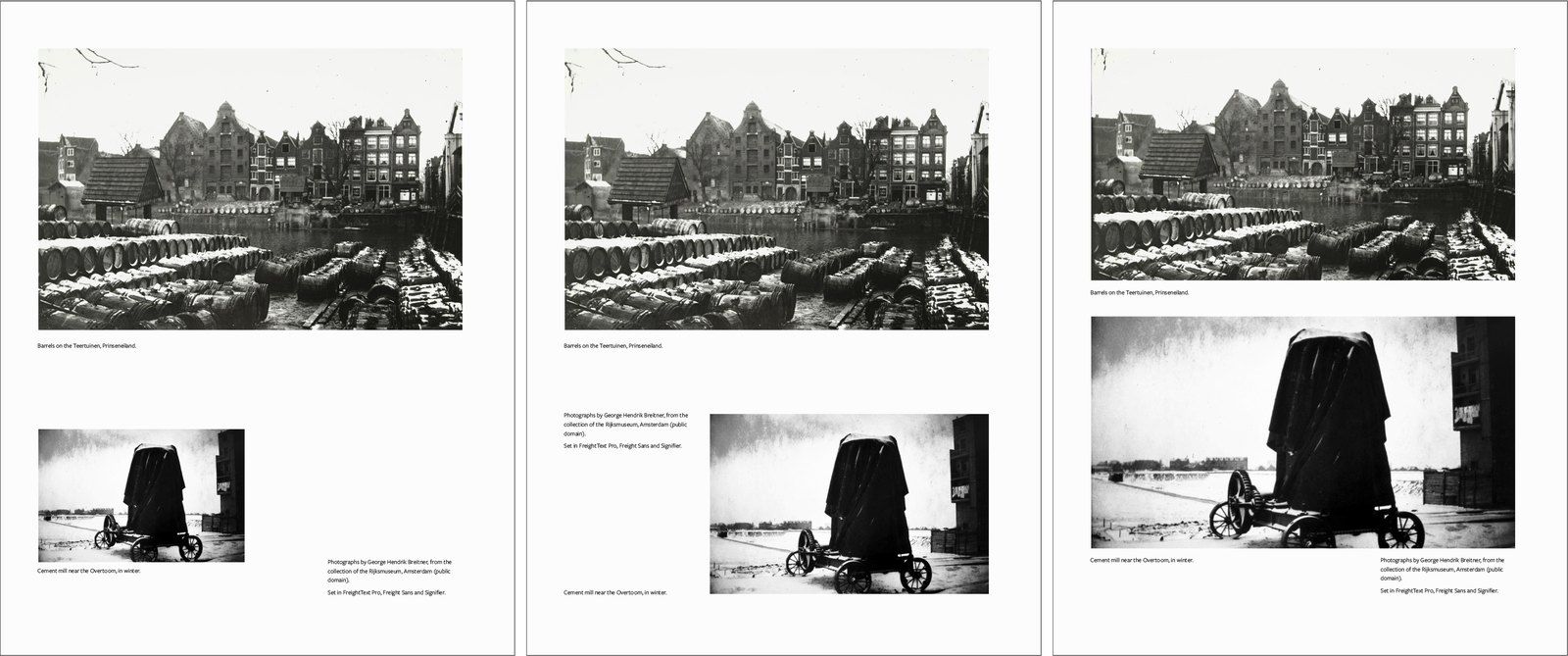
Both work. The first gets you your assistant’s idea of better. The second gets you your layout.
Ask for a plan first
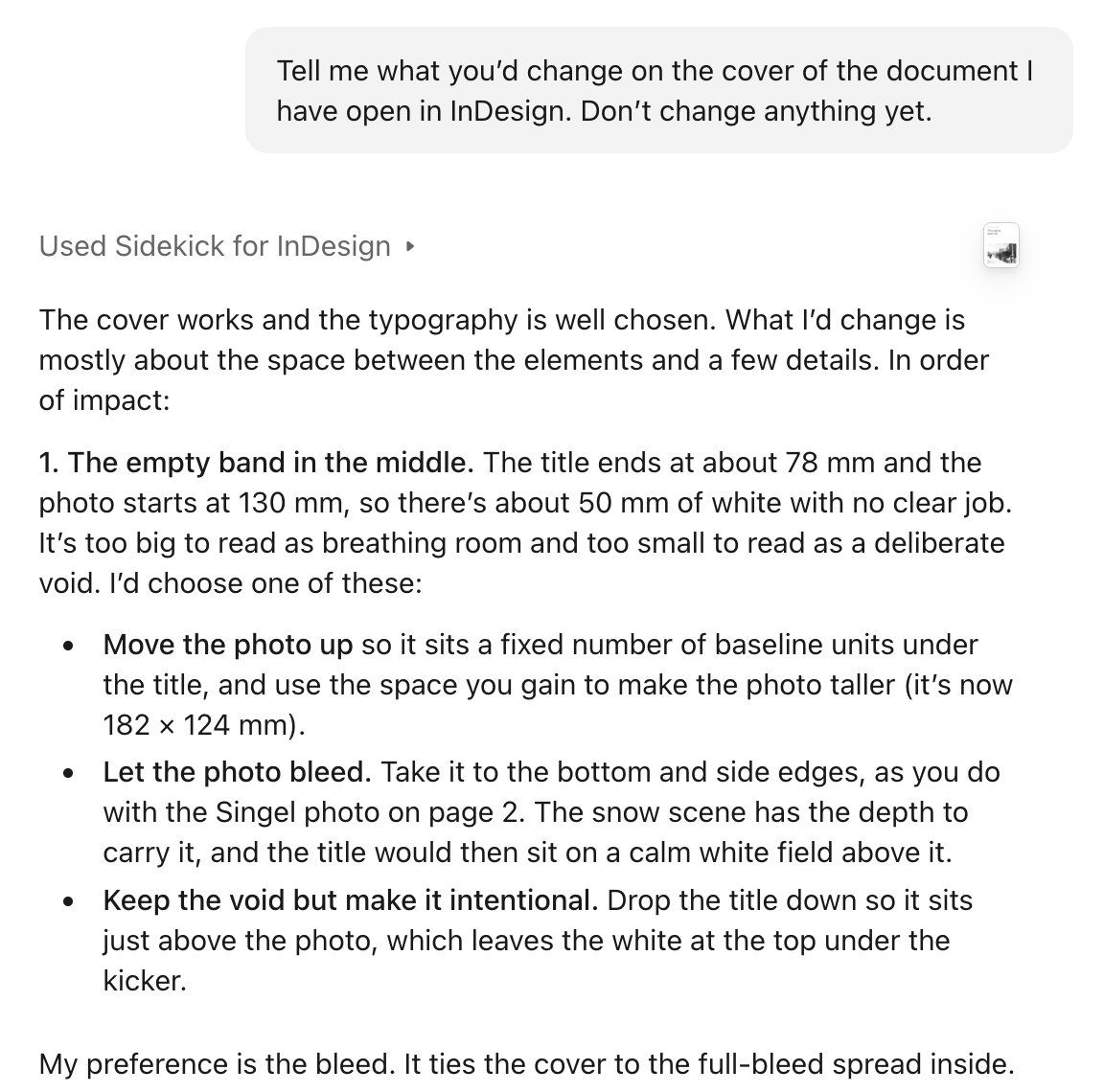
For anything big, agree on the plan first, then say “go ahead”.
One chat per job
Long chats get slow, and your assistant starts to forget how they began. A new chat costs you little: your assistant reads the document again, including what you changed by hand.
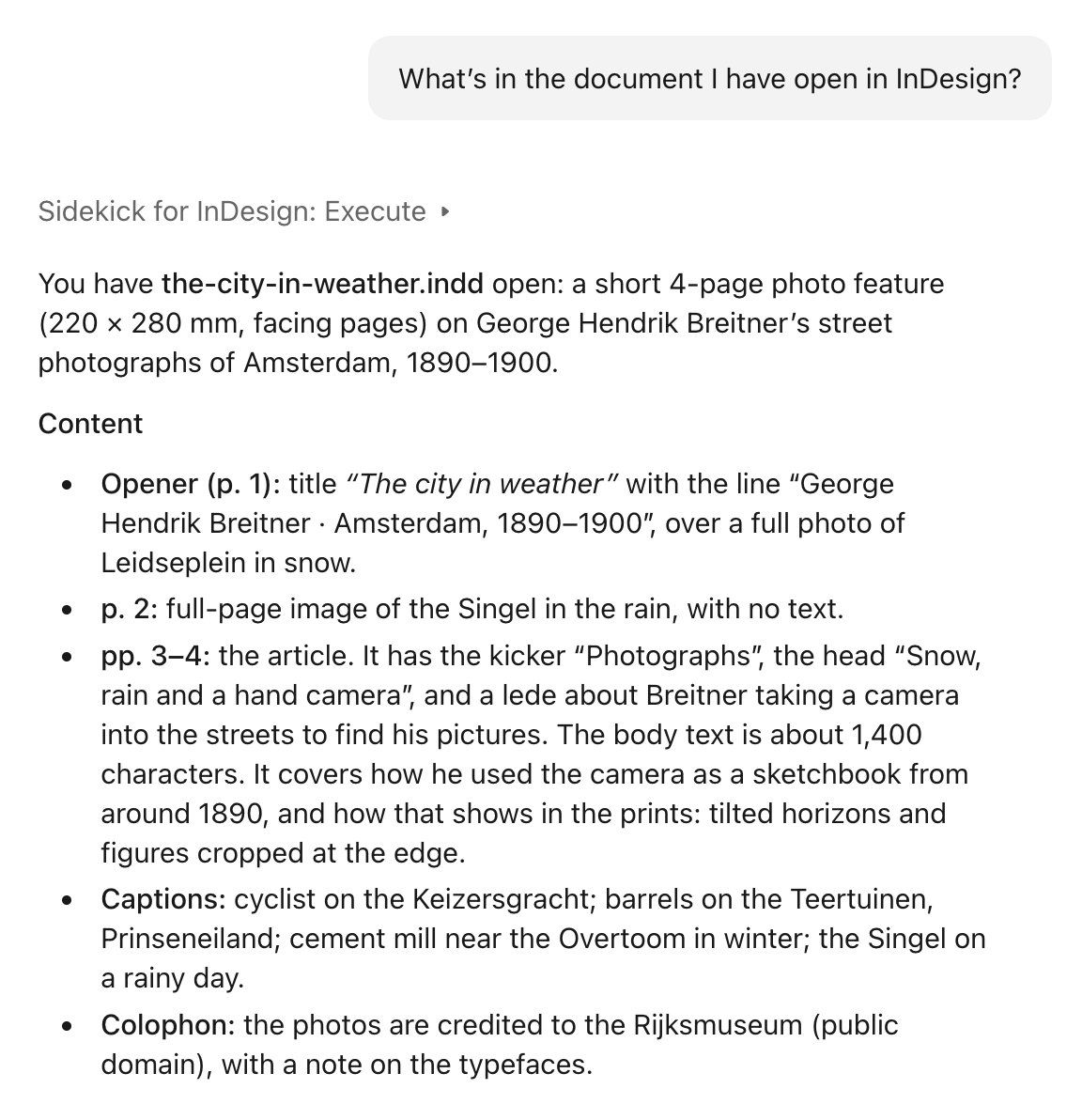
Only what you agreed on in the old chat is gone, so repeat any preferences in a sentence.
Something this guide doesn’t answer? Write to [email protected]. A person answers.
Not using Sidekick yet? Install it.